Better Tickets includes over 50 anime GIF roleplay commands, such as /hug, /pat and /highfive. Each one posts a random GIF with a short message, lets the other member return the gesture with one button, and keeps count of how often two members have done it together. Members can opt out or block specific people at any time.
Turn roleplay on or off
Roleplay is on by default. You can turn it off on the dashboard's Roleplay Config page; commands then reply that roleplay is disabled, or stay silent if Silent reply when disabled is on.
Run a roleplay command
Most commands take one target member. The bot posts a GIF with a message like "alex is hugging you" and updates both members' stats. You can't target yourself or a bot. When you use a prefix command as a reply to someone's message, that person becomes the target automatically.
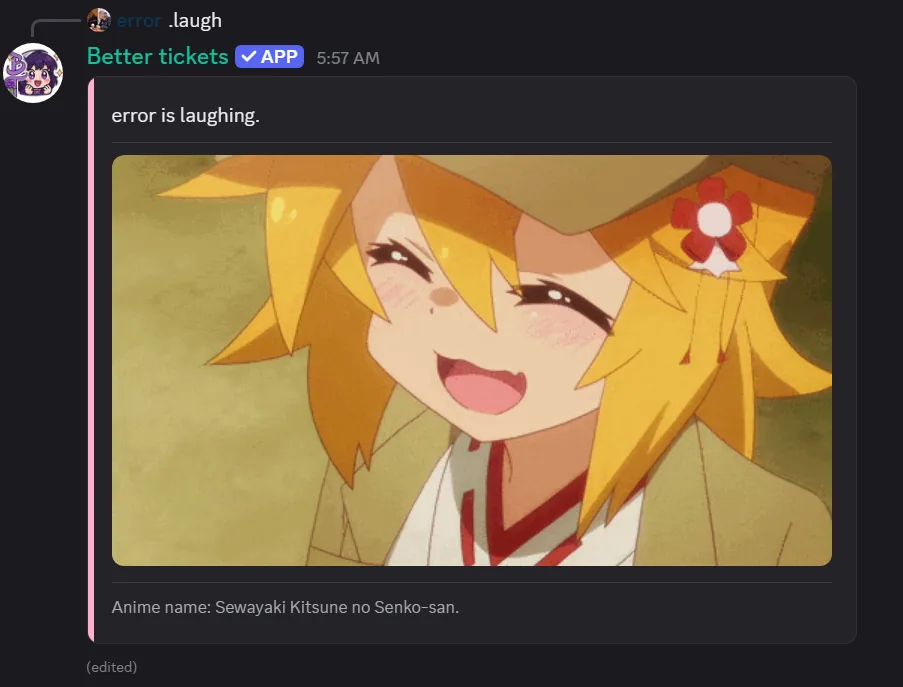
Solo commands such as /cry, /laugh and /dance work with or without a target, and don't track stats or show reciprocation buttons. The full roleplay command list marks which is which.
Reciprocation buttons
- "
{Action}back": lets the target do it back as a fresh message. Target only. - Skip: target declines, posts a small "skipped it" reply. Either button disables both once used.
Some actions only get the back button; a few (like /wave) get neither.
Stats
- Mutual count: for reciprocal actions, times a specific pair has done it together.
- Received count: for one-directional actions, times a member's had it done to them by anyone.
Opt out and block members
/opt out//opt in: stop or allow being targeted, across every server./roleplay block user:<member>: blocks one person from targeting you (and vice versa), up to 500 at once./roleplay unblock//roleplay blocklist: reverse it, or view your list.
Customize the message
With Premium, you can override the message, footer and color on the dashboard's Roleplay Config page, using the same templating plus roleplay variables like {{verb}} and {{rp.animeName}}. Use {% if target.id %}...{% else %}...{% endif %} to handle solo commands. See roleplay variables.
See the roleplay command list and roleplay settings for details.