The /img commands and their options. Anyone can run them. See the image effects overview for how the source image is picked and when you get a GIF.
Options
imageattachmentAn image to use directly.
memberuserUse this member's avatar.
Replying to a message with an image works too, only via the !-prefixed shortcut.
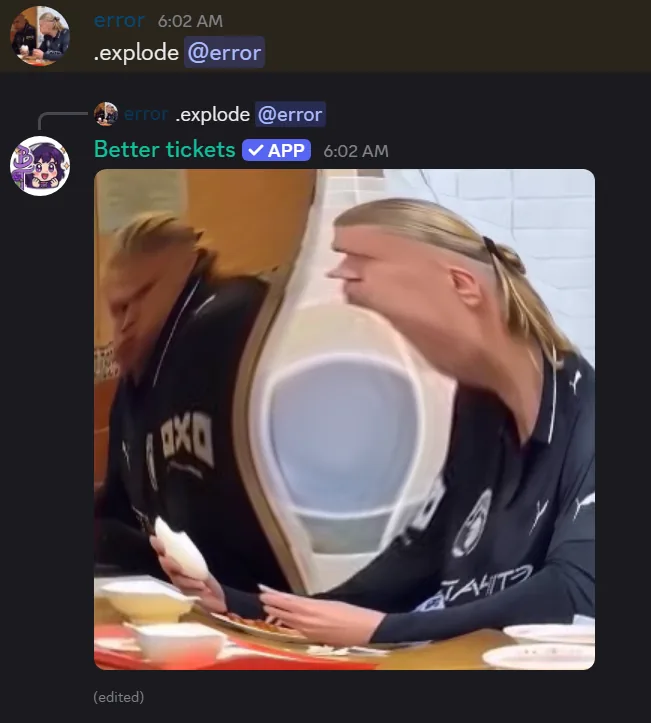
/img explode (Shortcut: explode)
Bulges the image outward from its center.
/img implode (Shortcut: implode)
Sucks the image inward to a vanishing point.
/img globe (Shortcut: globe)
Wraps the image around a spinning globe. Always animated.
/img spin (Shortcut: spin)
Spins the image in place. Always animated.