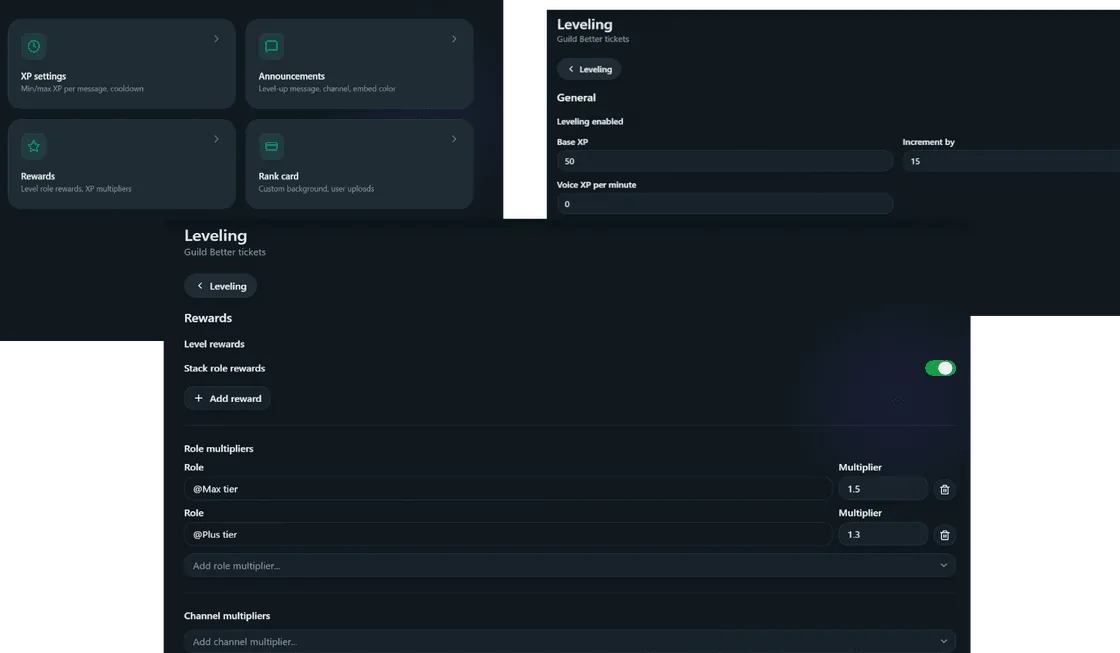
/level config opens an interactive settings menu. It has four pages, switched with a dropdown select menu at the bottom of the message - General, Roles, Channels, and Card. Until leveling is enabled, only the enable toggle is shown - and turning it off again from the General page collapses the menu straight back down to just that toggle.
This page goes through every field on every page, what it controls, and why you’d change it.
General
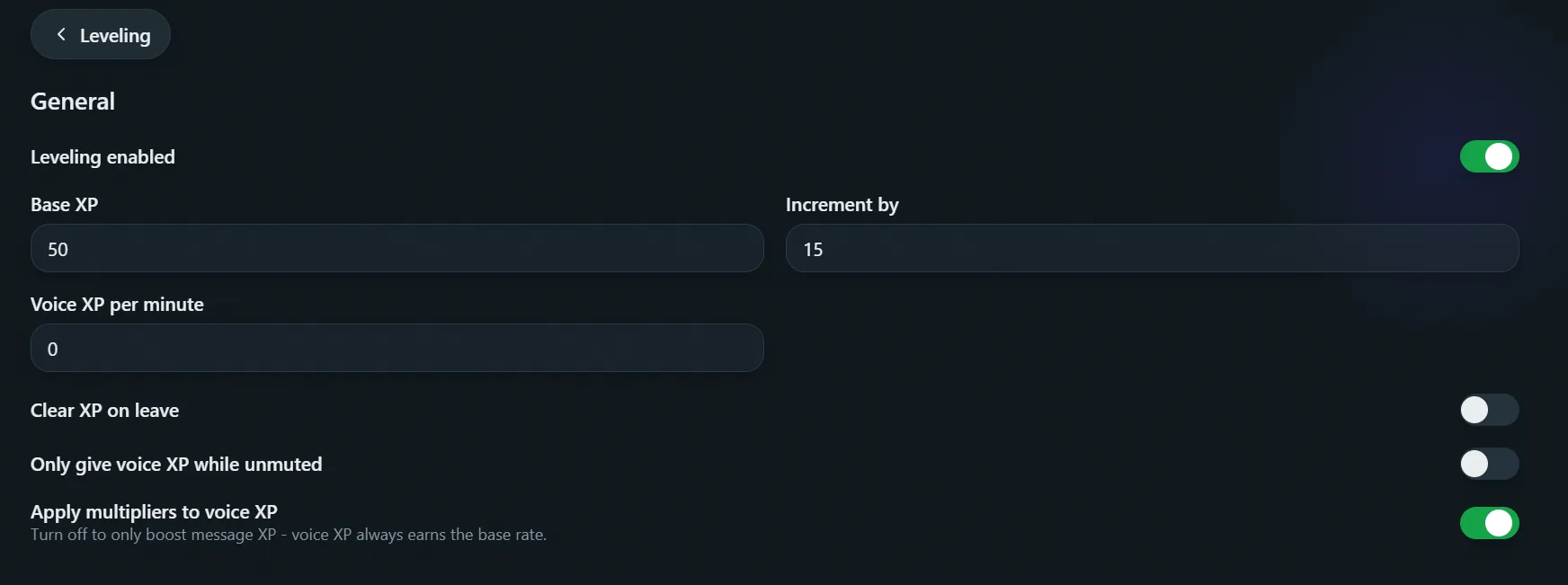
Whether leveling is on, how XP is earned, and the level curve.- Enabled - turns leveling on or off. Turning it off keeps every setting and every member’s XP intact - it just stops awarding XP and hides
/level rank//level leaderboardbehind a “not enabled” message until it’s turned back on. - XP per message - the random range a message can earn. Min XP must be between 1 and 60, max XP between 1 and 100, and min must be less than max (10-20 by default).
- Cooldown - how often a member can earn XP, in seconds. Must be between 20 and 300 (60 by default). Prevents spamming from inflating XP faster than normal chatting.
- Level 1 cost / Cost increase per level - the level curve. Level 1 costs the first value (1-1,000); each level after that costs that much more than the one before it (0-500). Level is never stored - it’s calculated from total XP every time, so changing these numbers re-levels everyone immediately.
- Voice XP - XP per minute spent unmuted (not self-muted or server-muted) in a non-ignored voice channel. Between 0 and 100; 0 disables voice XP entirely (off by default). Session time is tracked in Redis and paid out the moment you mute, leave, or move into an ignored channel - switching between two non-ignored channels while staying unmuted doesn’t interrupt the session.
- Clear XP on leave - if on, a member’s XP is deleted the moment they leave the server, rather than being kept in case they rejoin.
Roles
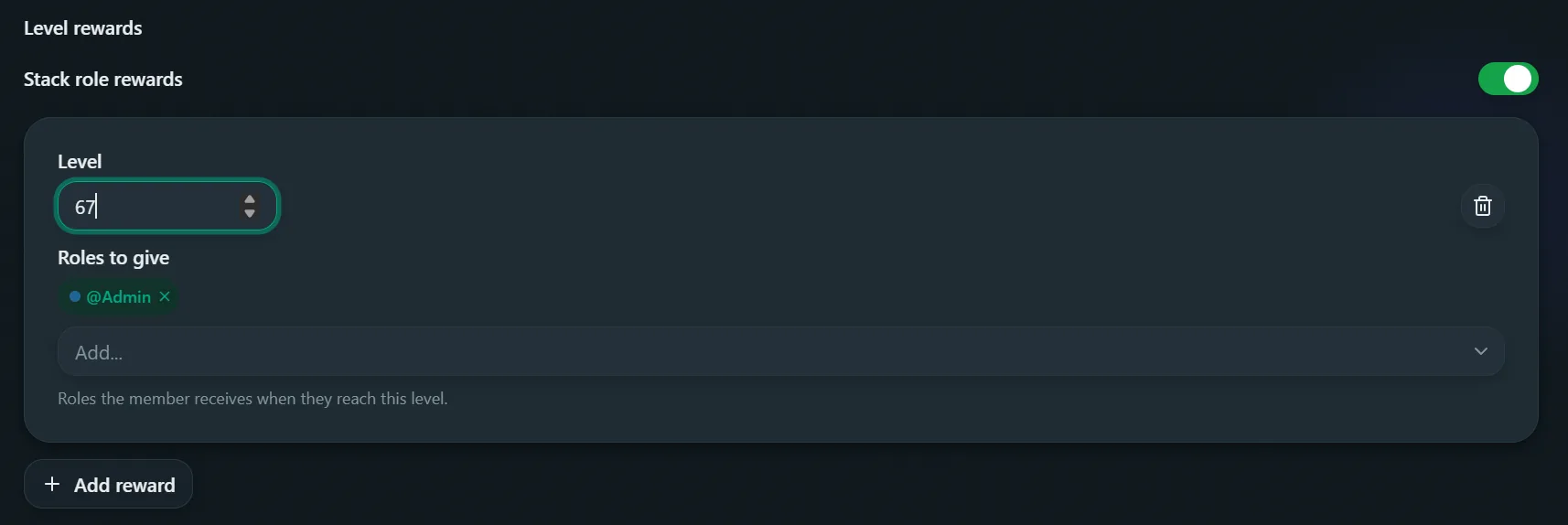
Level-role rewards, and role-based restrictions and multipliers.- Level rewards - roles granted when a member reaches a specific level (level 1-1,000). Add one with a level and a role select menu; how many roles a single reward can grant depends on premium tier (1 free, more on Plus/Max). Remove one from the list via the Remove button.
- Stack rewards - if on, members keep every reward role they’ve earned as they level up. If off, only the highest earned reward’s roles are kept - reaching a new one removes the roles from earlier ones.
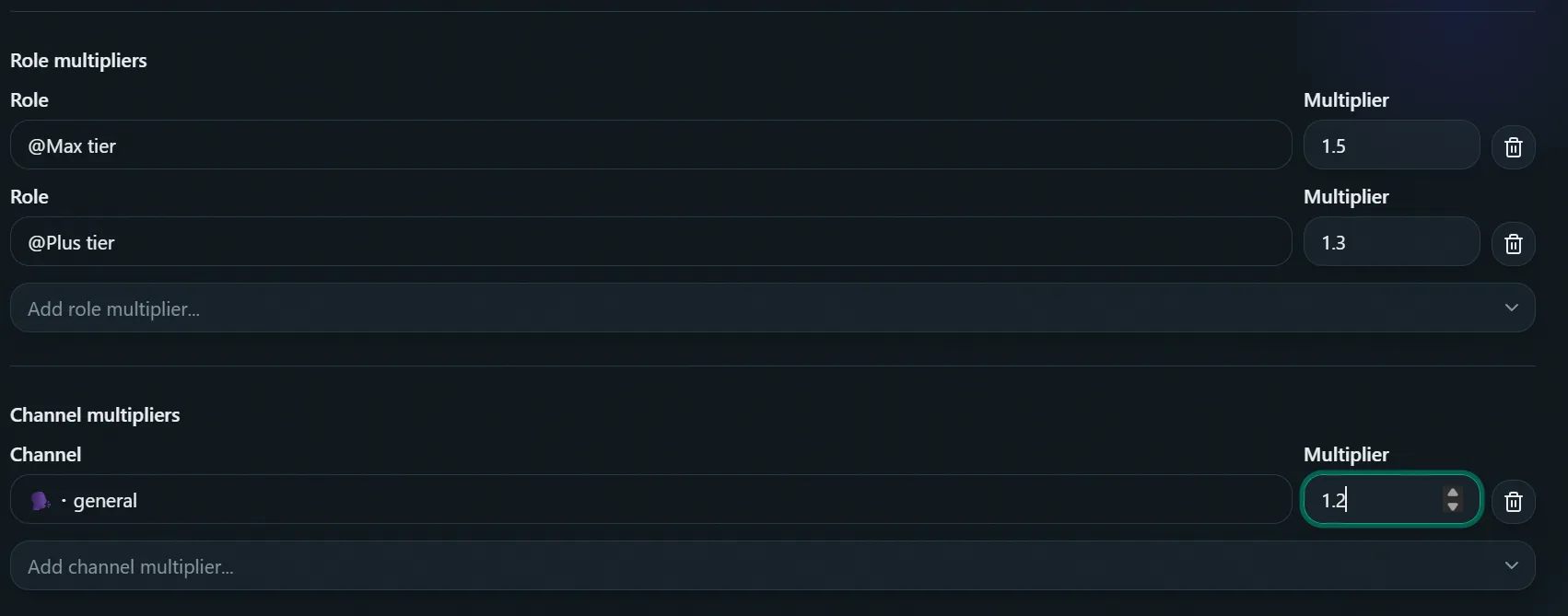
- Role multipliers - an XP multiplier (0.1-3) for members with a specific role, picked via a role select menu (e.g. a booster role earning 1.5x XP). If a member matches more than one applicable multiplier (role or channel), only the highest is used - they don’t stack.
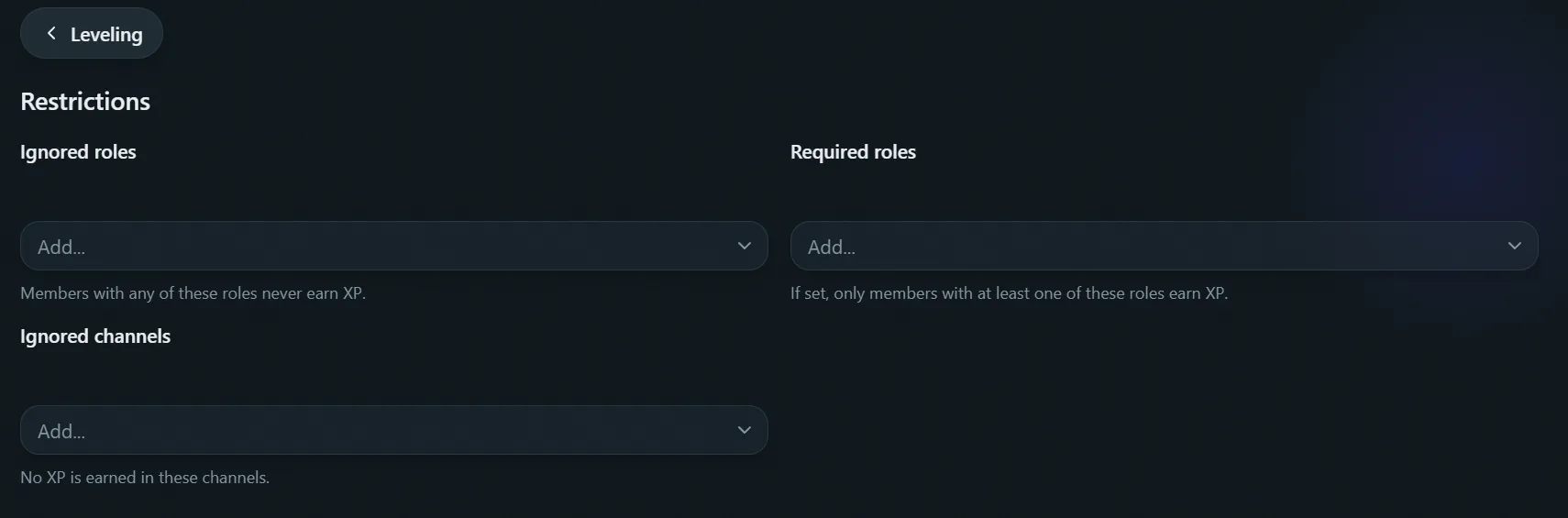
- Ignored roles - members with any of these roles never earn XP. This takes priority over required roles - if a member matches both, they’re ignored.
- Required roles - if set, only members with one of these roles earn XP at all.
Channels
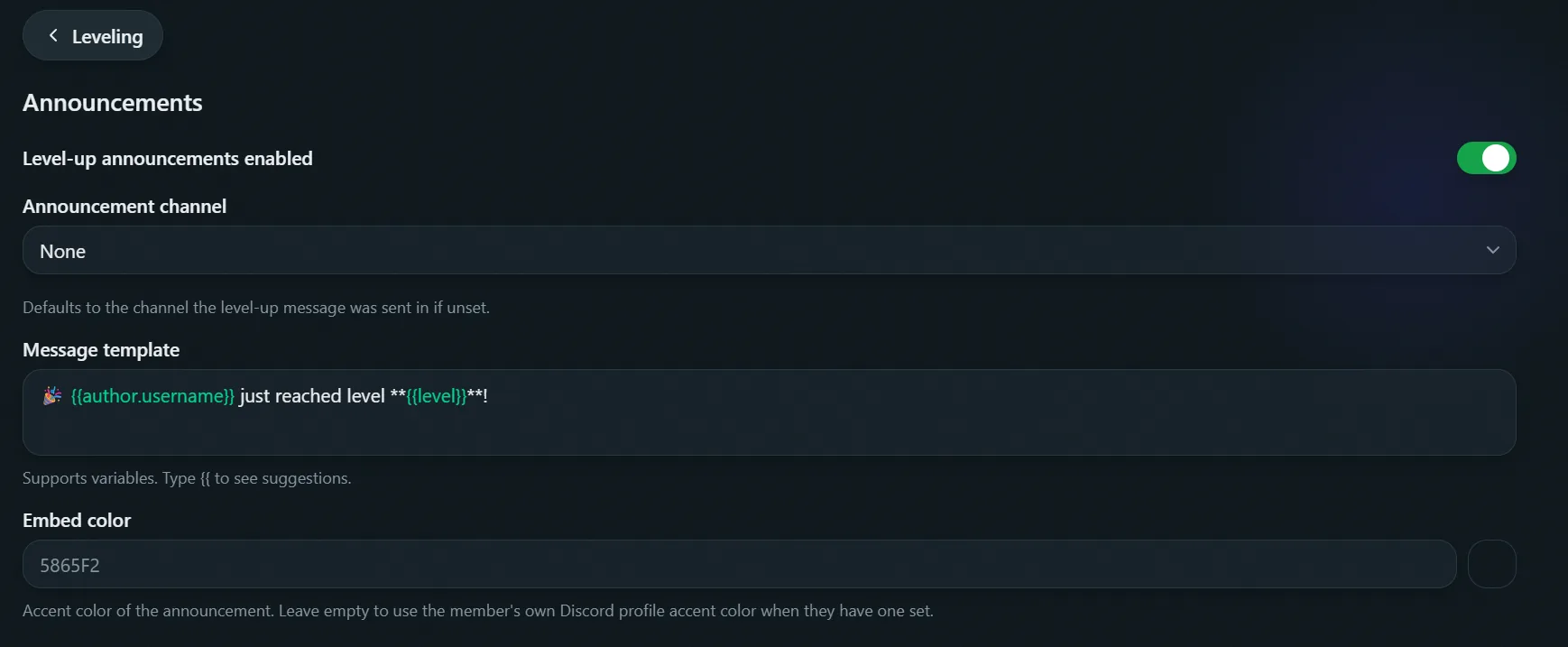
Where level up messages go, and channel-based restrictions and multipliers.- Level up messages - whether a message is sent when a member levels up.
- Level up channel - where the message is posted. If unset, it’s posted in whichever channel the level-up happened in instead.
- Level up message - the template sent on level-up. Supports variables plus
{{level}}. - Ignored channels - no XP is earned from messages sent in these channels.
- Channel multipliers - an XP multiplier (0.1-3) for messages sent in a specific channel, picked via a channel select menu.
Card
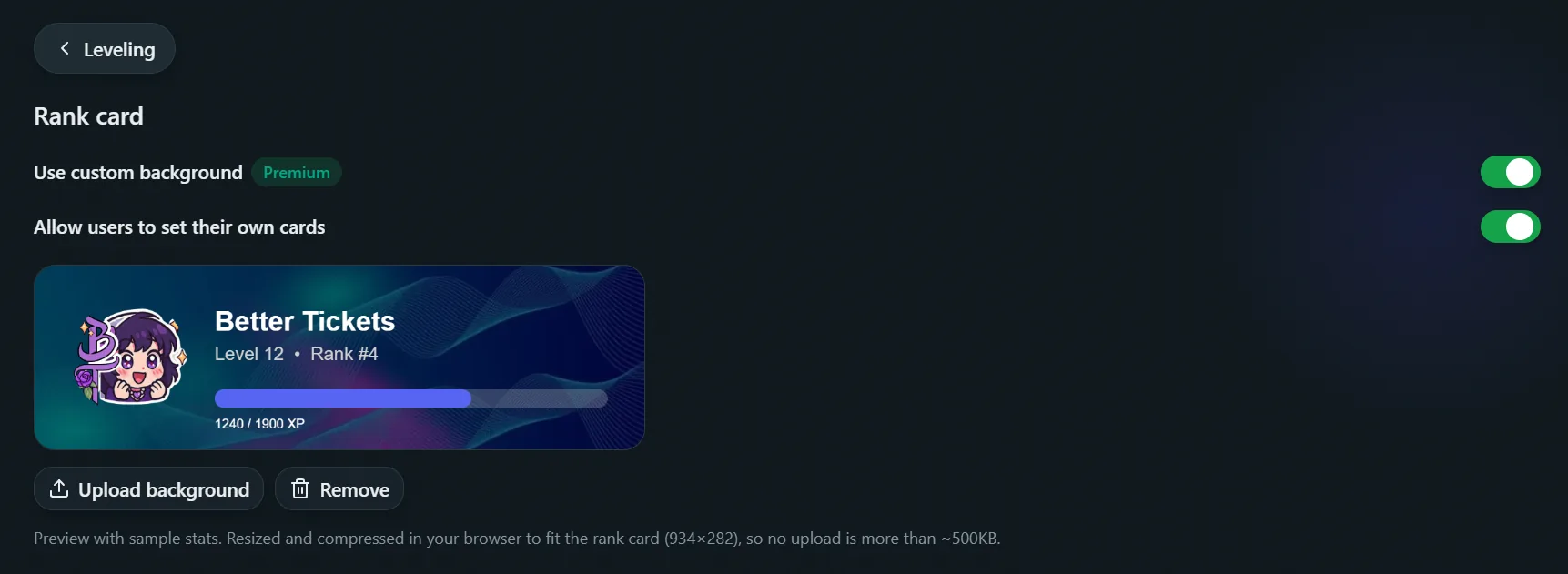
The rank card’s background image, shown by/level rank. Both fields here require premium (any tier) - see Rank cards for how the two layers interact.
- Guild background Premium - an image uploaded by an admin, used as the default background for every member’s rank card in this server. Max 2MB, compressed automatically after upload. Reset background deletes it (disabled when none is set).
- Use guild background - toggles whether the uploaded guild background is actually applied. Turning it off reverts every card to the default look without deleting the upload, so it can be turned back on later without re-uploading.
- Let members set their own card Premium - when on, any member can run
/level cardto upload their own personal background, which overrides the guild background on their card only.