This page lists every Better Tickets ticket command and its options: the everyday commands staff use inside a ticket (/claim, /close, /add), the jail commands, and the few category commands that still run in Discord. Every command works as a slash command, and most also work with your server's message prefix (default !, see custom prefixes). The exceptions are commands that need Discord's own pop-ups, like /ticket send.
Category management
These need Administrator or Manage Server. Staff roles don't grant them, because they change configuration rather than handle a single ticket.
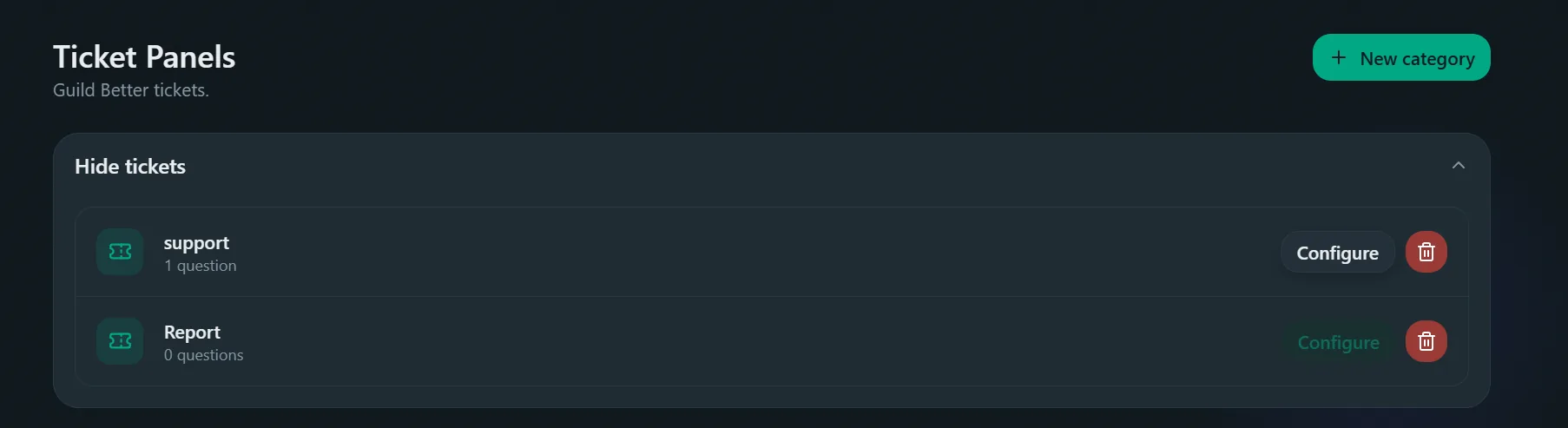
You create and configure categories on the dashboard's Tickets → Panels page, with no command needed (see create and edit a ticket category). The commands below are the parts that still happen in Discord.
/ticket delete
Deletes a category's configuration after you confirm. Open tickets aren't closed; they're left without a category.
categorystringrequiredThe category to delete.
/ticket send
Posts a panel members click to open a ticket, the same panel as Publish panel on the dashboard. A form asks which ticket panels to include, a heading, description and footer (filled with starter text you can change), and an optional image. Each panel's button uses its own label and color. You can only send to channels you can view and send messages in yourself.
channelchannelrequiredChannel to post the panel in.
layoutstringButtons (default, 5 per row) or Dropdown menu, best for many categories.
placeholderstringThe dropdown menu's placeholder text.
colorstringHex side color, like 5865F2.
panelstringStarts the form with this ticket panel picked, and picks matching starter text.
For emoji, more images or a webhook, use the Message builder.
/ticket stats
Shows how many tickets were opened, claimed and closed in a time window.
daysintegercategorystringstaffuserEveryday commands
These are limited to the category's staff roles unless noted (see staff roles vs. server permissions). Admins pass this check too.
/open
Opens a ticket. Any member can open one for themselves; staff can open one for someone else.
categorystringrequiredmemberuser/open category:support creates a channel like #support-alex, posts that category's welcome message, and pings its staff and ping roles. Run as staff with member:@riley set, it opens the same channel but on Riley's behalf, for cases like moving a report out of DMs.
/claim
Claims the ticket channel you're in. It has no options and always acts on the current channel.
Posts "morgan claimed this ticket." in the channel and locks the Claim button for everyone else, so two staff members don't end up answering the same person.
/release
Unclaims the ticket so another staff member can pick it up. Only the claimer or an admin can release it.
/close
Closes the current channel, the same action as resolving a ticket from the Close button. What exactly happens (archive and delete, keep the channel around, or delete without a transcript) depends on the category's Close behaviour, see Automation and the ticket lifecycle.
reasonstring/close reason:Reinstalled the app, issue confirmed fixed archives the channel and, if DM transcript to author is on, sends the ticket author a private link to the signed transcript, with that reason at the top. On a category set to "Close (not delete)", the channel stays instead, with Delete/Transcript/Reopen buttons in place of an immediate transcript.
/add
Gives another member access to the current ticket channel, without making them staff.
memberuserrequired/remove
Removes a member's access. The original author can't be removed this way.
memberuserrequired/rename
Renames the current ticket channel. It's a one-off rename and doesn't change how future tickets are named.
namestringrequired/escalate
Moves the current ticket to a different category, including into or out of jail. See escalating into or out of jail.
categorystringrequired/nsfw
Toggles Discord's age-restricted flag on the current channel only.
/verify
Checks whether an uploaded transcript is genuine and unedited, using its signature. Anyone can run it, so a member can prove what was said in their ticket.
fileattachmentrequired.html file, downloaded from its transcript link.Jail
See Discord jail and auto-jail for setup.
/jail
Removes the target's roles, applies the jail role(s), opens a channel for them in the jail category.
memberuserrequiredreasonstring/unjail
Restores the roles the member had before being jailed.
memberuserrequired