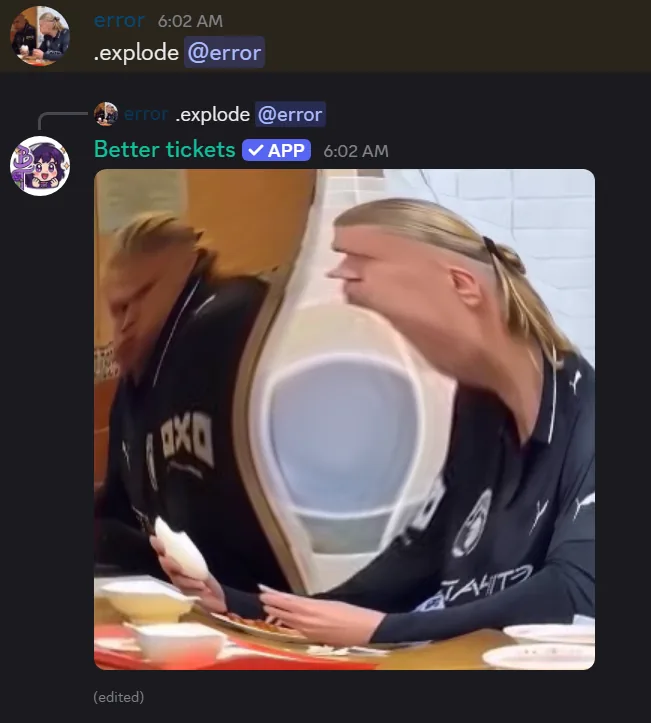
/img applies a fun effect to an image or a member's avatar: explode, implode, globe or spin. It works as a slash command or a prefix command, with nothing to set up.
Where the image comes from
Checked in order:
- Reply to a message with an image.
memberoption: uses their avatar.imageoption: attach directly.
If no image is found, the bot tells you. Replying only works with prefix commands (!explode, !implode, !globe, !spin), because Discord doesn't tell slash commands which message you replied to.
The four effects
- explode: bulges outward from the center.
- implode: sucks inward to a vanishing point.
- globe: wraps the image around a spinning globe.
- spin: spins it in place.
Still image or GIF?
Explode/implode match the input: still in, still out; gif in, gif out with the effect on every frame.
Globe and spin always produce an animation. If the source is a GIF, its own animation keeps playing underneath, and spin stays in sync with its loop.
Limits
Source images can be up to 15 MB. Long GIFs are reduced to at most 40 frames.
See the image effect commands for options.